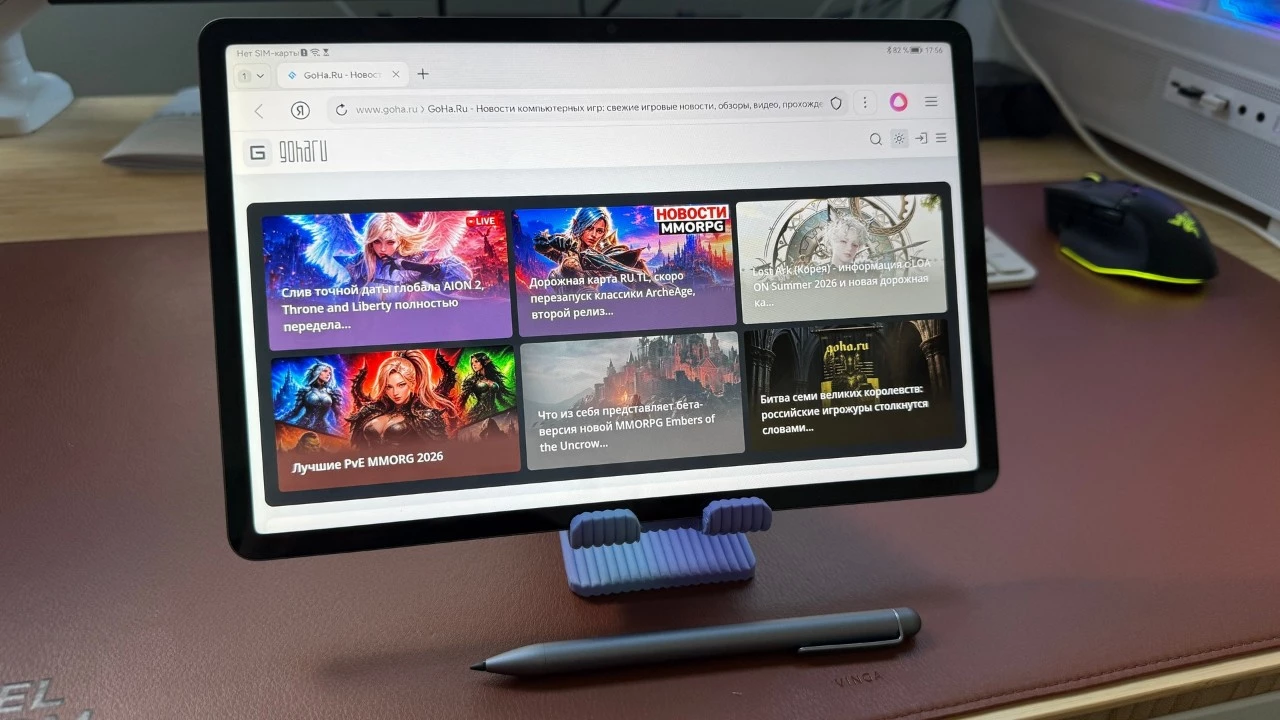





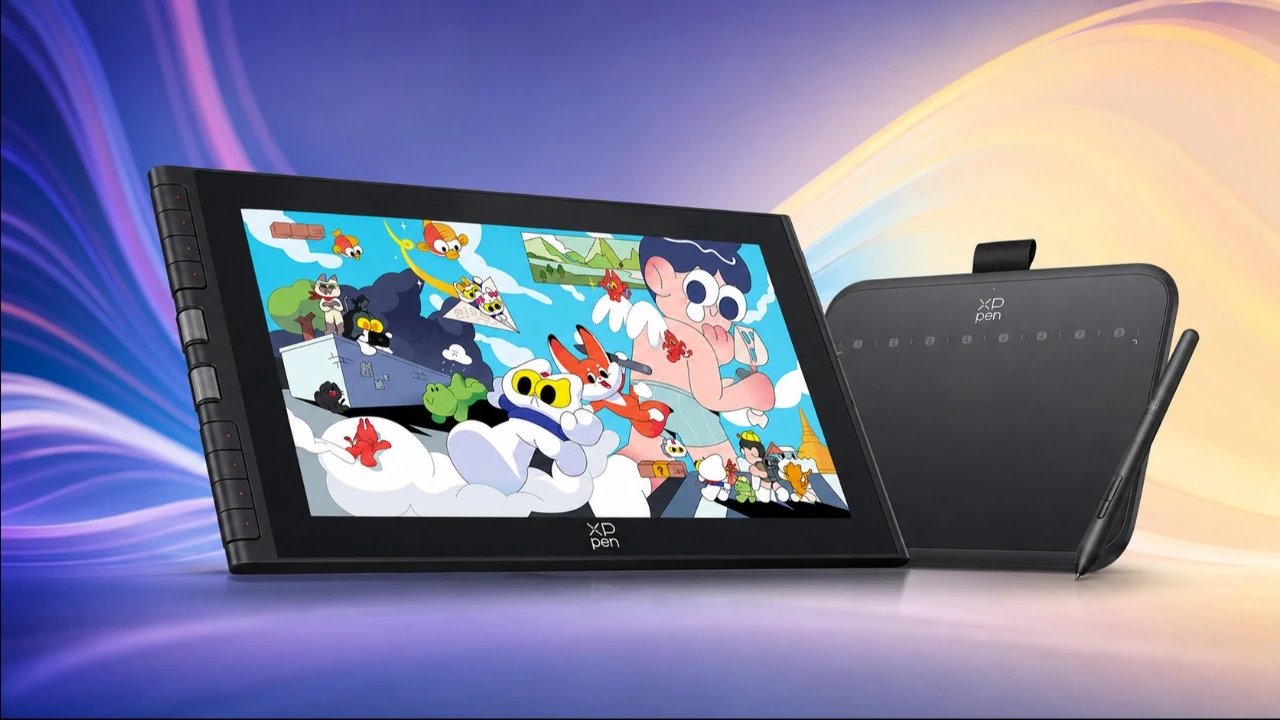
The world of digital art has never been more accessible, with graphics tablets now available at virtually every price point. XPPen, one of the leading manufacturers in the industry alongside Wacom and Huion, has released two compelling options that represent different philosophies in tablet design. The Artist 12 (3rd Generation) features a built-in display that allows artists to draw directly on the screen, while the more affordable Deco 640 takes the traditional screenless approach. Both devices target creative professionals, hobbyists, and even rhythm game enthusiasts, but they serve distinctly different needs and budgets. Understanding the fundamental differences between pen display tablets and traditional graphics tablets is essential for making an informed purchasing decision.
Graphics tablets have evolved dramatically since their introduction in the 1980s. Early devices were bulky, expensive, and primarily used in professional CAD applications. Today’s tablets offer pressure sensitivity levels reaching 8,192 or more, tilt recognition, and lightning-fast response times that rival traditional pen and paper. XPPen, founded in 2005, has positioned itself as a value-oriented alternative to industry giant Wacom, offering comparable features at significantly lower price points. This competitive pricing strategy has made professional-grade digital art tools accessible to students, hobbyists, and emerging artists worldwide.
XPPen Artist 12 (3rd Generation): The Display Advantage
The Artist 12 (3rd Generation) represents XPPen’s latest iteration of their popular 12-inch pen display line. Featuring a fully laminated IPS display with 1920×1080 resolution, this tablet eliminates the parallax gap between the pen tip and the cursor, creating a more natural drawing experience. The screen covers 127% of the sRGB color gamut, making it suitable for professional illustration and design work where color accuracy matters. With a refresh rate optimized for smooth strokes and minimal latency, artists can work with confidence knowing their input will be accurately represented on screen.
The included X3 Pro stylus delivers 16,384 levels of pressure sensitivity, double what previous generations offered. This increased sensitivity allows for incredibly nuanced brushwork, from the lightest sketch lines to bold, confident strokes. The stylus features a battery-free electromagnetic resonance design, meaning artists never need to worry about charging their pen mid-session. Tilt recognition up to 60 degrees enables natural shading techniques, while the initial activation force has been reduced to just 3 grams, allowing the pen to register even the gentlest touches. These specifications place the Artist 12 firmly in professional territory despite its mid-range pricing.
Deco 640: Compact Efficiency on a Budget
The Deco 640 takes a fundamentally different approach to digital art input. As a screenless graphics tablet, users draw on an active surface while looking at their computer monitor. This indirect drawing method requires a learning curve, but many professional artists actually prefer it, arguing that it promotes better posture and reduces eye strain during long sessions. The tablet’s compact 6×4 inch active area makes it highly portable and ideal for users with limited desk space. Despite its smaller footprint, the Deco 640 maintains professional-grade specifications including 8,192 levels of pressure sensitivity and support for the same electromagnetic stylus technology found in higher-end models.
The learning curve associated with screenless tablets shouldn’t be underestimated, but it typically takes only two to four weeks of regular practice for most users to develop comfortable hand-eye coordination. Many industry professionals, including concept artists at major game studios and animation houses, continue to use screenless tablets exclusively, proving that a display isn’t necessary for professional-quality work. The Deco 640’s price point makes it an excellent entry point for beginners exploring digital art or for professionals seeking a reliable backup device for travel.
Making the Right Choice: Display vs. Economy
The decision between these two tablets ultimately comes down to workflow preferences and budget constraints. The Artist 12 (3rd Generation) offers the intuitive experience of drawing directly on a visible surface, which many artists find more natural and immediate. This direct feedback loop can accelerate the learning process for beginners and provide established artists with a more traditional drawing feel. However, the higher price point, additional cable management, and the need for adequate desk space are practical considerations. Display tablets also generate more heat during extended sessions and add another screen that needs color calibration.
The Deco 640 excels for users who prioritize portability, budget efficiency, and don’t mind the indirect drawing experience. It’s also worth noting that rhythm game communities have embraced graphics tablets as alternative input devices, with many players preferring screenless tablets for their lightweight feel and consistent surface texture. Both tablets support major creative software including Adobe Photoshop, Illustrator, Clip Studio Paint, and open-source alternatives like Krita. XPPen provides unified driver software across their product line, ensuring consistent customization options regardless of which tablet you choose. Ultimately, both devices represent strong value propositions in their respective categories, and either choice will serve aspiring digital artists well on their creative journey.
Expert Opinion: The graphics tablet market continues to democratize digital art creation, and XPPen’s dual approach with the Artist 12 and Deco 640 demonstrates smart market segmentation. For serious artists planning to invest significant time in digital creation, the Artist 12’s display will likely pay dividends in reduced learning time and increased workflow efficiency. However, the Deco 640 remains a remarkably capable tool that proves screen-based drawing isn’t mandatory for professional results—making it the smarter choice for budget-conscious creators or those uncertain about their long-term commitment to digital art.